In today’s world, we live a huge part of our lives online. We shop, bank, work, and connect with loved ones through our devices. But this convenience comes with risks. The good news is that you don’t need to be a tech expert to protect yourself.
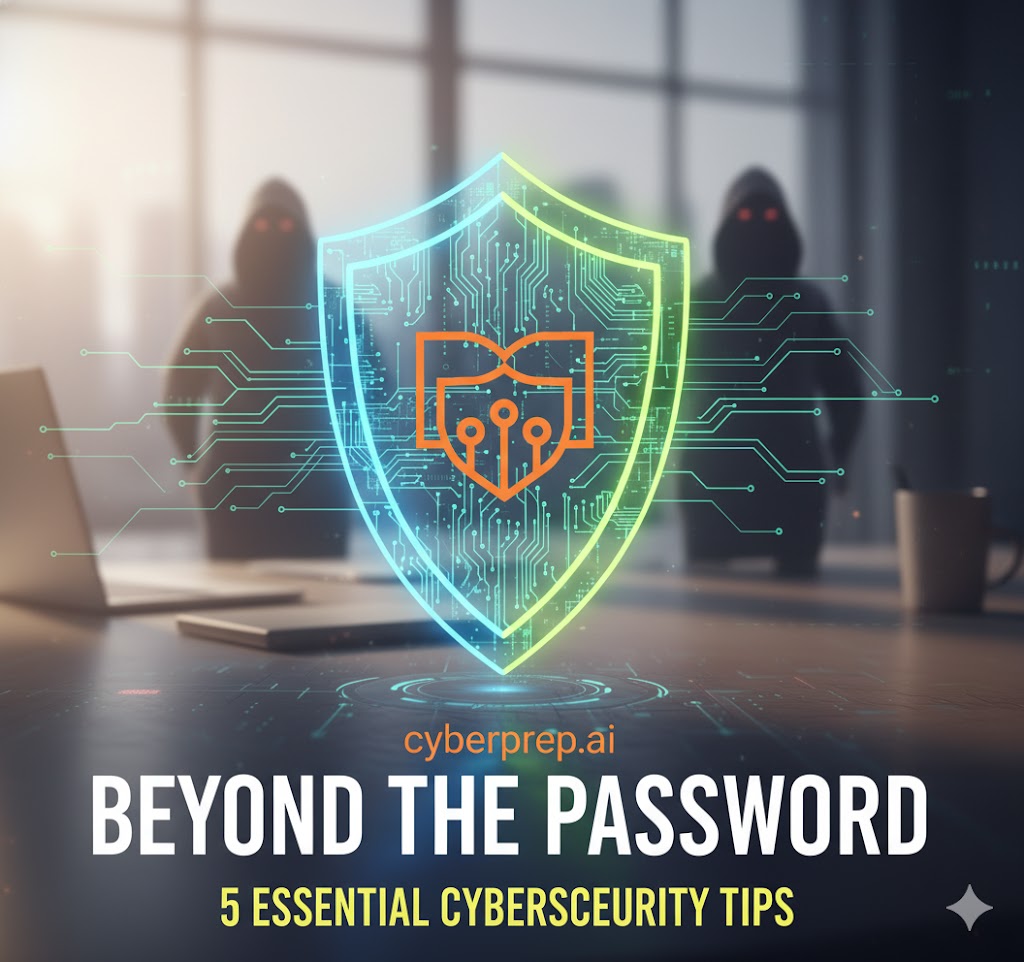
Strong cybersecurity is built on simple, consistent habits. Here are five essential tips you can use right now to make your digital life significantly safer.
1. Enable Multi-Factor Authentication (MFA)
What it is: You already use one “factor” to log in—your password (something you know). Multi-Factor Authentication (MFA), also called Two-Factor Authentication (2FA), adds a second step, usually code from an app on your phone (something you have).
Why it matters: Even if a hacker steals your password, they can’t log in without also having your phone. This single step is the most effective way to secure your important accounts (like email, banking, and social media).
Your action: Go into the security settings of your key accounts right now and turn on MFA/2FA.
2. Think Before You Click: Spotting Phishing
What it is: Phishing is a scam where an attacker sends a fraudulent email, text message, or instant message designed to trick you. They often look like they’re from a legitimate company (like your bank, a delivery service, or a social media site) and try to create a sense of urgency—”Your account is locked!” or “You’ve won a prize!”
Why it matters: Their goal is to steal your login credentials, credit card numbers, or personal information when you click a malicious link or open a dangerous attachment.
Your action: Always be suspicious.
- Check the sender: Look closely at the email address, not just the display name.
- Hover over links: Before clicking, rest your mouse over a link to see the actual web address it will take you to.
- Never give information: Legitimate companies will almost never ask for your password or full credit card number via email.
3. Keep Your Software Updated
What it is: Those constant “update available” notifications on your phone, computer, and apps.
Why it matters: It’s tempting to ignore them, but software updates do more than just add new features. They contain vital security patches that fix weaknesses hackers have discovered. Running outdated software is like leaving a window open for digital thieves.
Your action: Turn on automatic updates whenever possible. If you can’t, make it a weekly habit to check for and install updates for your operating system (Windows, macOS, Android, iOS) and your web browser.
4. Use a Password Manager
What it is: It’s impossible to remember dozens of strong, unique passwords like 8!k$gT#qZp*2. A password manager is a secure, encrypted digital vault that creates, remembers, and autofills these complex passwords for you.
Why it matters: The biggest password mistake is reusing the same one. If a hacker steals that one password from a small, insecure website, they will use it to try to log into your email, bank, and everything else. A password manager ensures every single account has its own unique, complex password.
Your action: Start using a reputable password manager (many browsers have them built in, or you can use dedicated apps). You only have to remember one strong master password to unlock your vault.
5. Be Smart About Public Wi-Fi
What it is: The free Wi-Fi at airports, coffee shops, and hotels.
Why it matters: Most public Wi-Fi networks are unencrypted. This means a skilled attacker on the same network can potentially “listen in” on your activity and steal any information you send, including passwords or credit card details.
Your action:
- Avoid sensitive activities: Don’t conduct online banking or enter passwords on public Wi-Fi.
- Use a VPN: If you must use public Wi-Fi, use a Virtual Private Network (VPN). A VPN creates a private, encrypted tunnel for your internet traffic, making it invisible to anyone else on the network.
Conclusion: Safety is a Habit
Cybersecurity isn’t a single product you can buy; it’s a set of simple, smart habits. By taking these small steps—like turning on MFA and using a password manager—you build a strong defense that keeps your personal information safe.
Start with just one. Pick the easiest tip from this list and do it today.